
c880 Casino Games: Explore 7 Types and How to Play
Learn what the c880 lobby offers, how to find a game, and which limits to set before your first round.
Table of Contents
c880 casino games sit in one lobby inside the app and the mobile site: live tables, card and table games, slots, crash games and fishing games. Log in, open the Casino or Games menu and choose a category. Check the current game list in the app, because it changes.
c880 – Before you open the lobby: the one thing people miss
You need a verified, logged-in account, and you must be 18 or older. Many new users open the lobby first and get stuck at a login screen or a locked deposit. Fix that first.
Keep your mobile number active for the OTP. Never share the OTP or your password with anyone, including people who claim to be support. If sign-in fails, read the c880 login page. If you have no app yet, start with the c880 app download page.
Start checklist
- Install the app from the official link and check the file size against the info box.
- Log in with your mobile number.
- Open the lobby and read the category names.
- Set a daily deposit limit in taka (BDT) that you can afford to lose.
- Open one game and read its rules or info button.
- Play a few low-stake rounds before raising anything.
- Stop when you reach your limit or your time.
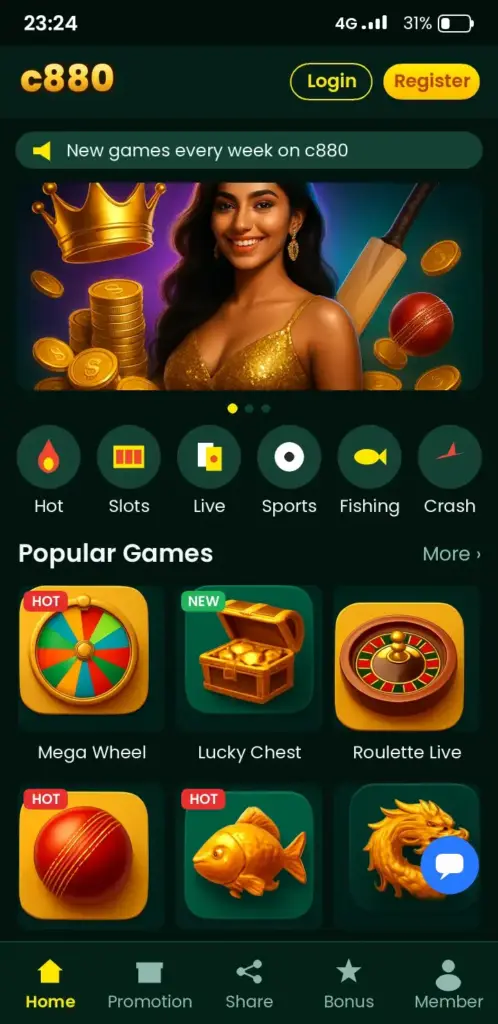
The lobby: seven c880 Casino Games types at a glance
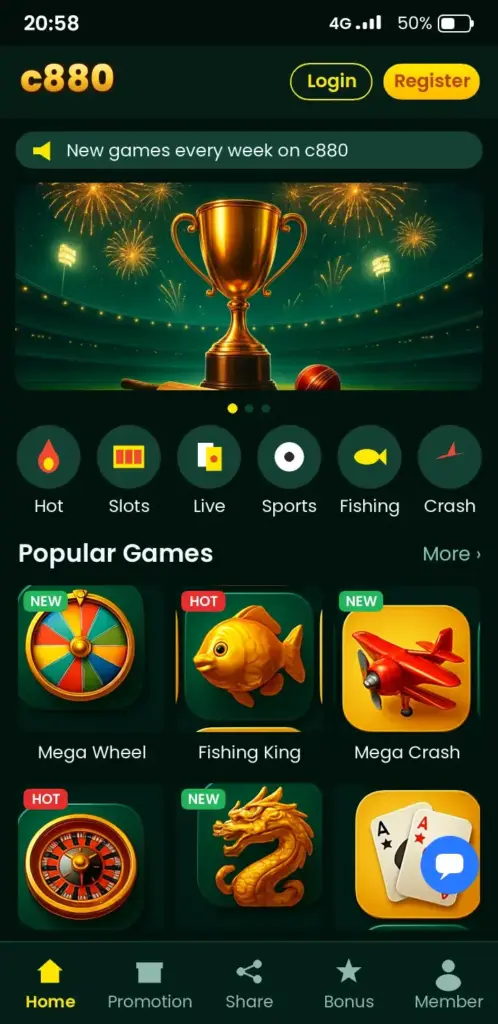
The lobby groups games by type, so you can skip what you do not want. The exact titles and providers change, so we do not list a fixed catalogue here. Check the app for the current list.
| Type | How it plays | What to check |
|---|---|---|
| Live casino | Real dealer on video, you bet on screen | Table limits, round timer |
| Table games | Roulette, blackjack, baccarat-style rounds | Rules and payout table |
| Card games | Teen Patti style rounds, if offered | Variant rules |
| Slots | Spin reels, match symbols | RTP, volatility, bonus rules |
| Crash games | Cash out before the multiplier crashes | Auto cash-out setting |
| Fishing games | Shoot targets on screen for points | Cost per shot |
| Sports | Cricket and football odds | Market rules, cash-out |
Sports sit in their own section. See c880 sports betting for odds and live bets.
Live dealer tables: what happens on screen
Live tables stream a dealer in real time. You place chips during a short betting window, then watch the round. Miss the timer and your bet does not count.
Mobile data matters here. A weak signal can freeze the video while the round continues. Use Wi-Fi or a stable 4G connection, and do not top up in a hurry mid-round.
- Read the minimum and maximum bet before you sit.
- Watch two rounds first without betting.
- Use the chat only for talk, never to share account details.
Slots, crash and fishing games explained
Slots run on a random number generator, so past spins do not predict the next one. RTP is the long-run return, shown in the game info. Volatility tells you how uneven the wins are. Our c880 slots page explains both.
Crash games, such as the Aviator crash game, are fast. A multiplier climbs and you must cash out before it ends. Set an auto cash-out so a slow tap does not decide for you.
Fishing games feel more like arcade play. Each shot costs credit, and bigger targets cost more to hit. Watch your balance after every few minutes, not every hour.
Finding and starting a game in four taps
Use the lobby tabs and the search box rather than scrolling. This saves time and keeps you from tapping a game by accident.
- Open the app and log in.
- Tap the Casino or Games tab.
- Pick a category, or type a game name in search.
- Tap the game, read the info icon, then set your stake.
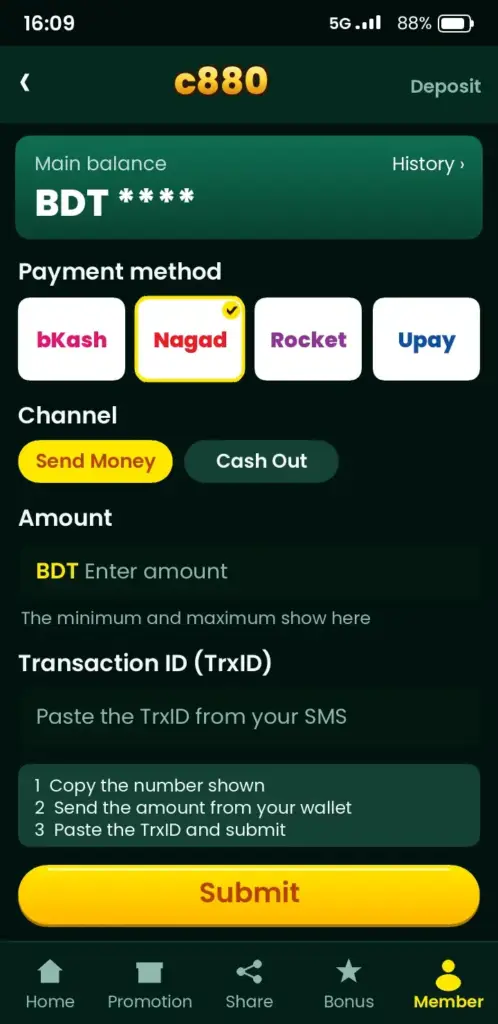
Need balance first? Local mobile wallets such as bKash and Nagad are offered for deposits in some cases; check the cashier for the current list. You can verify the wallet app itself from the bKash app listing on Google Play. Keep the transaction ID until the balance shows.
Fair play, limits and bonus rules
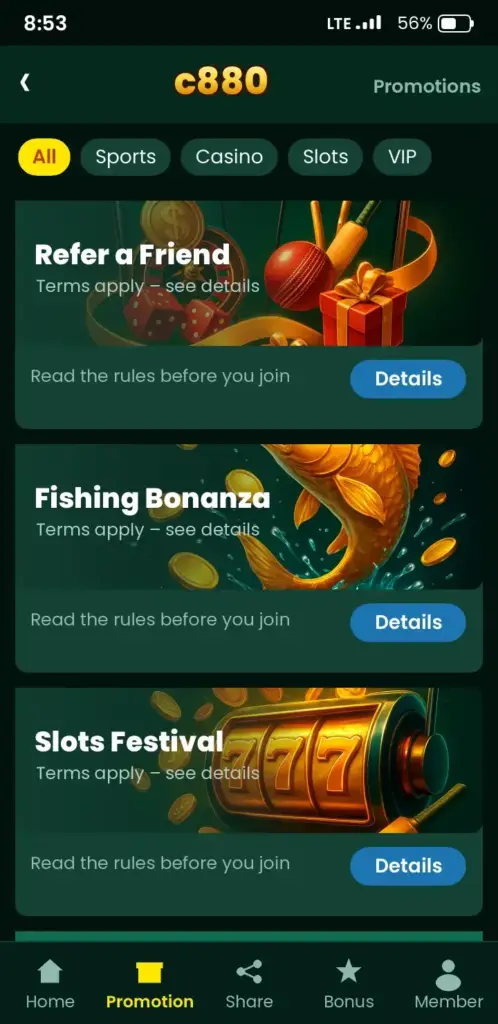
Fair play starts with you reading the rules. Each game shows its own limits and payout table. A bonus can restrict which games count toward wagering, and some games count less or not at all.
Before you accept any offer, read the c880 bonuses page and the terms in the app. Check these points:
- Wagering requirement and how long it lasts.
- Which game types count.
- Maximum bet while a bonus is active.
- Withdrawal conditions and any ID checks.
We do not claim any outcome is guaranteed. Games are entertainment, not a way to earn money.
When a game will not load
Most problems are simple. Fix them in this order.
- Black screen: close the app, clear its cache in Settings, reopen.
- Round froze: check your connection, then reopen the game; the result is kept by the server.
- Balance missing: wait a few minutes, then contact support with your transaction ID.
- Game not listed: it can be region-limited or removed; check the app list.
Play responsibly
Casino games are for adults aged 18 and over. Set a deposit limit and a time limit before you start, and treat your stake as entertainment spending. Take a break if play affects sleep, work or money. Free, confidential help is available worldwide at Gambling Therapy.
Choosing a game by budget and session length
Picking a game that matches your balance and your free time saves more money than any bonus does. A crash round can end in seconds, while a live dealer table keeps you seated for a long stretch. Decide how much you can afford to lose in BDT before you open the lobby, and keep that figure fixed for the session.
The table below compares the main formats on pace and effort. Table limits and minimum stakes differ by game, so check the figure shown inside each game before you place a bet.
| Format | Pace | Best for |
|---|---|---|
| Slots | Fast, a few seconds per spin | Short breaks on mobile |
| Crash games | Very fast, short rounds | Players who set a strict stop point |
| Fishing games | Medium, skill plays a part | Longer, active sessions |
| Live dealer tables | Slow, real-time rounds | Players who like a calm, steady rhythm |
If you are unsure, start with the lowest stake the game allows and watch a few rounds before you commit real money.
Paying in and cashing out while you play
Most payment problems come from small mismatches, not from the app itself. Use a bKash, Nagad, Rocket or Upay number registered in your own name, because a different name can delay a withdrawal during verification.
Follow this order to keep things simple:
- Open the cashier inside the app and choose your wallet.
- Enter the amount, then confirm with your wallet PIN or the OTP sent to your phone.
- Wait for the balance to update, then return to the lobby and open your game.
- When you withdraw, pick the same method you deposited with where possible.
If a deposit does not show up after a few minutes, keep the transaction ID from your wallet message. Support can trace it much faster when you send that ID with a screenshot.
Withdrawal times and limits can change, so read the current figures in the cashier rather than relying on an old post. Finish any identity check or bonus condition before you request money out, as an unfinished one is the usual reason a payout waits.
Ready to look around? Download the app or log in and open the lobby.
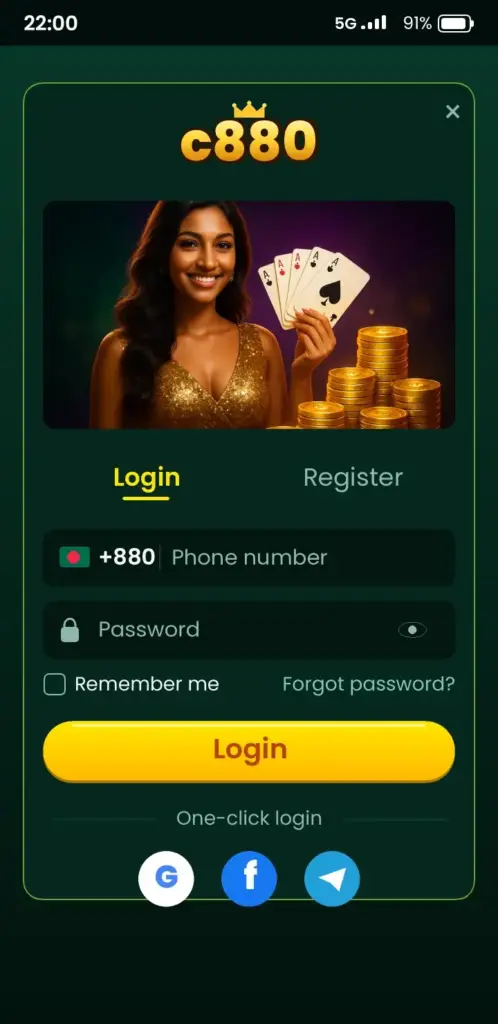
c880 App Screenshots: Game Lobby, Login, Deposit & Bonuses
See how the c880 app looks on an Android phone before you download it – tap any screen to open the app.

Frequently Asked Questions
How do I find c880 casino games in the app?
Log in, then tap the Casino or Games tab in the main menu. Choose a category such as live tables, slots or crash games, or type a game name in the search box. Open the info icon to read the rules before you stake anything.
Which c880 casino games are available for Bangladesh players?
The lobby groups live dealer tables, table and card games, slots, crash games and fishing games. The exact titles and providers change over time, so check the current list inside the app instead of relying on any older page.
Can I play c880 games on my phone without the app?
Yes, you can open the mobile site in your browser and log in with the same account. The app runs smoother for live tables. If the browser version lags, switch to Wi-Fi or install the APK from the official link.
How do I deposit on c880 with bKash or Nagad?
Open the cashier or Deposit screen, choose the wallet shown there, and follow the on-screen payment steps. Keep the transaction ID until your balance updates. Check the app for the current wallet list and any minimum amount.
c880 theke taka tulbo kivabe?
Open the Withdraw section, choose a method shown in the app, enter the amount and confirm. Processing time depends on checks and the payment provider, so allow some time. You need to verify your ID first. Check the app for current limits.
Does c880 have live casino with real dealers?
The lobby has a live casino section where dealers stream in real time. You bet within the round timer. Table limits differ by game, so read them before you sit down. Use a stable connection to avoid missing a betting window.
Is c880 safe to play on?
Safety depends partly on you. Download only from the official link, never share your password or OTP, and play only if you are 18 or older. The site does not promise any outcome. Read the terms in the app before depositing.
Do c880 bonuses work on every casino game?
No. Bonus terms limit which games count toward wagering, and some count less. Read the offer details in the app and on the bonuses page before you accept, and check any maximum bet rule.
Can I try c880 slots for free first?
Some slots offer a demo mode, but this varies by game. Look for a Demo or Free Play button on the game tile. If you do not see one, start with the lowest stake and read the game info page.
c880 app download korbo kivabe for games?
Open the official c880 link in your Android browser, download the APK, and allow Install unknown apps for that browser only. Install it, then switch the setting off again. Log in and open the Games tab. Check the file size first.